
Oct 3, 2026
Here is what changed in Praising.ai since July 29.
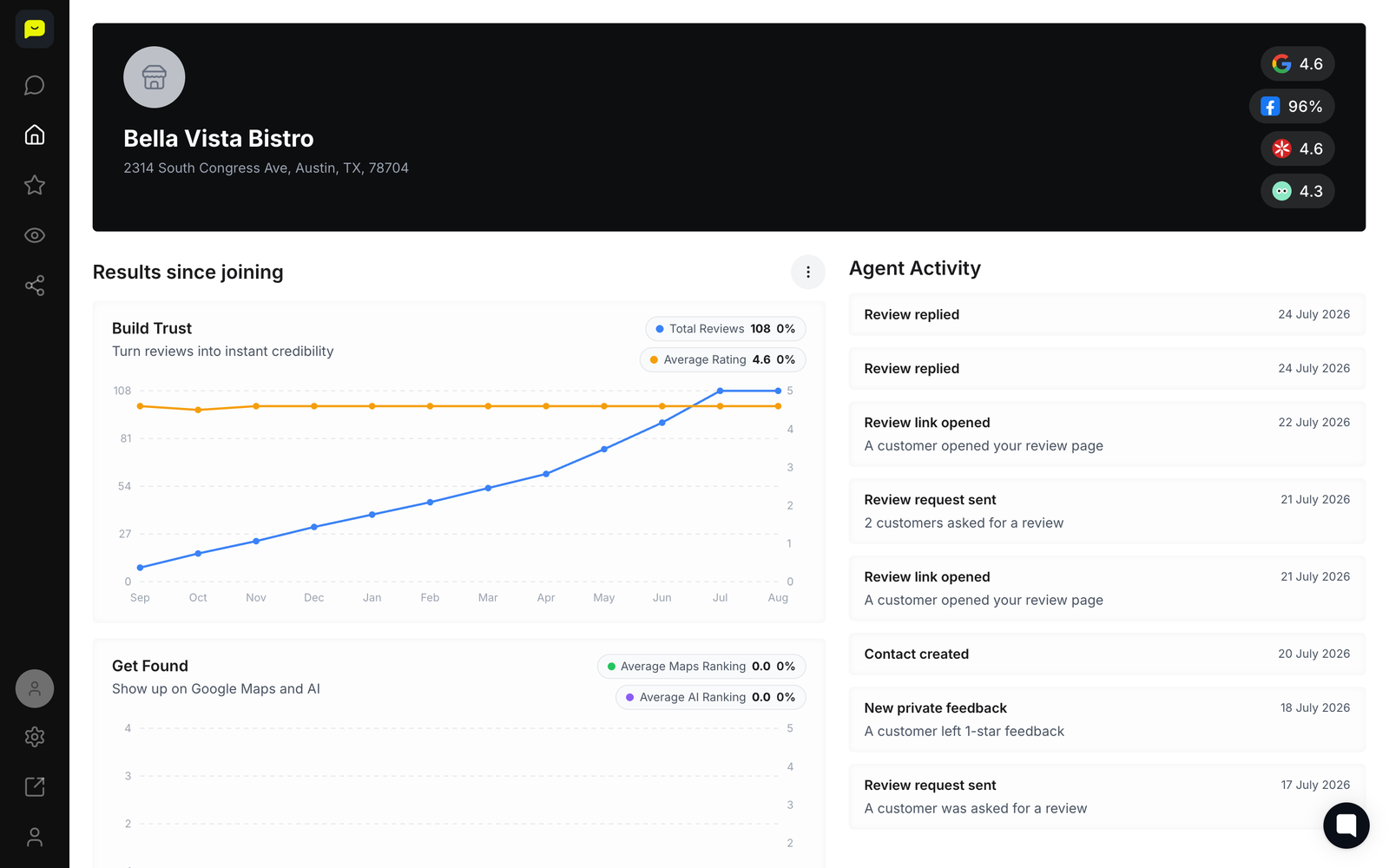
Text messages can now be sent to customers on paid plans, with monthly limits shown in your dashboard.
Owners can set up automatic email reminders for customers who have not clicked their review link, with adjustable timing and wording.
The review page your customers see now speaks Spanish, French, Portuguese, German, Italian, Chinese, Vietnamese, Korean, Tagalog or Japanese.
A kiosk mode for a counter tablet and a printable poster are now available from the Link page for walk-in businesses.
An AI agent can draft replies to new Google reviews for your approval before anything is posted.
Switching between locations now correctly shows each location's own reviews, contacts, campaigns and integrations.
Owners can now buy annual plans at the advertised saving, choose a search radius for Maps ranking, and add a welcome video to their review page.
Emails from Praising now have a proper design instead of plain unstyled text.
A new business can now send its first review requests from the Home page in a single step.
Review request emails now always include a review button, and text messages now use the template you wrote in the editor.
Tapping a link or button in the app no longer sometimes does nothing on phones.
Contacts added by hand with a phone number can now receive text messages instead of being silently skipped.
Adding the same customer twice by retrying or re-importing a file no longer creates a duplicate who gets asked twice.
Numbered lists in AI chat answers now display their correct numbers instead of showing every item as number one.
Jul 29, 2026
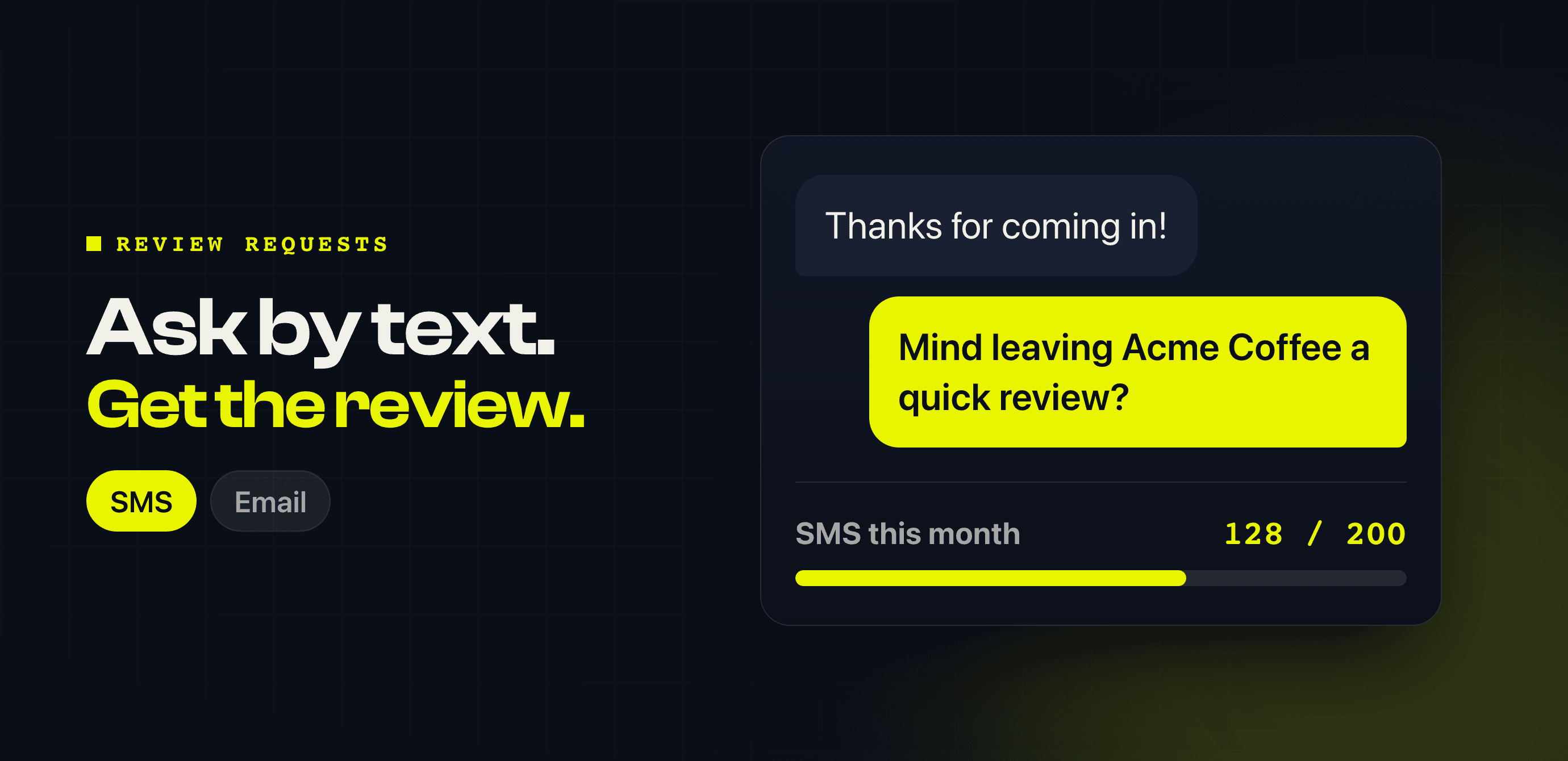
Emails get ignored. Texts get read — so you can now send review requests by SMS from the Send page, with Send Now.
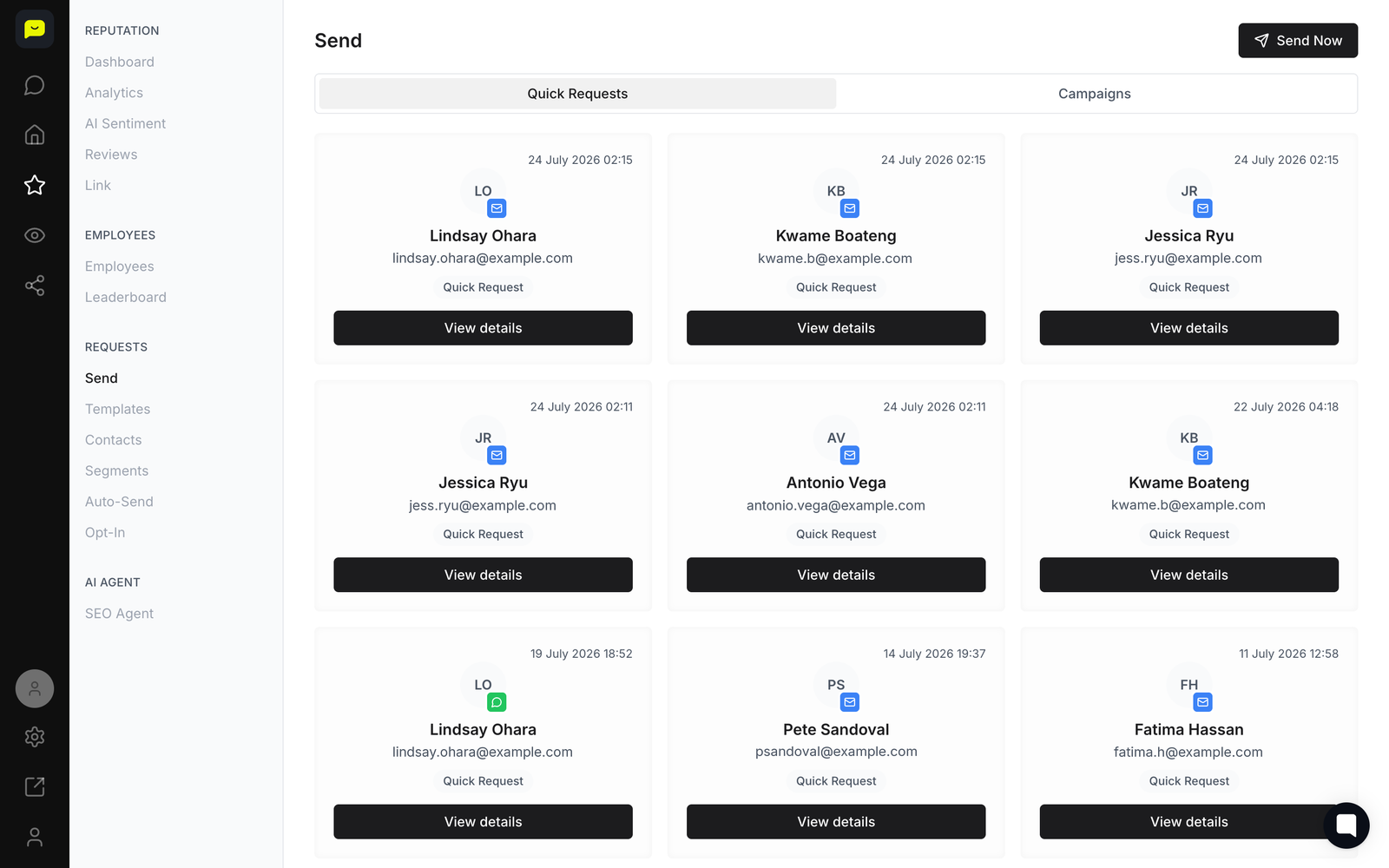
It uses the text-message templates you write under Templates, records who clicked the link, and handles opt-outs for you: if someone replies STOP, Praising stops sending them requests.
How many you can send each month depends on your plan — 50 on Core, 200 on Growth and 500 on Pro. Your running total is on Settings → Limits.
New to Praising? Start free — no card needed →
Send a review request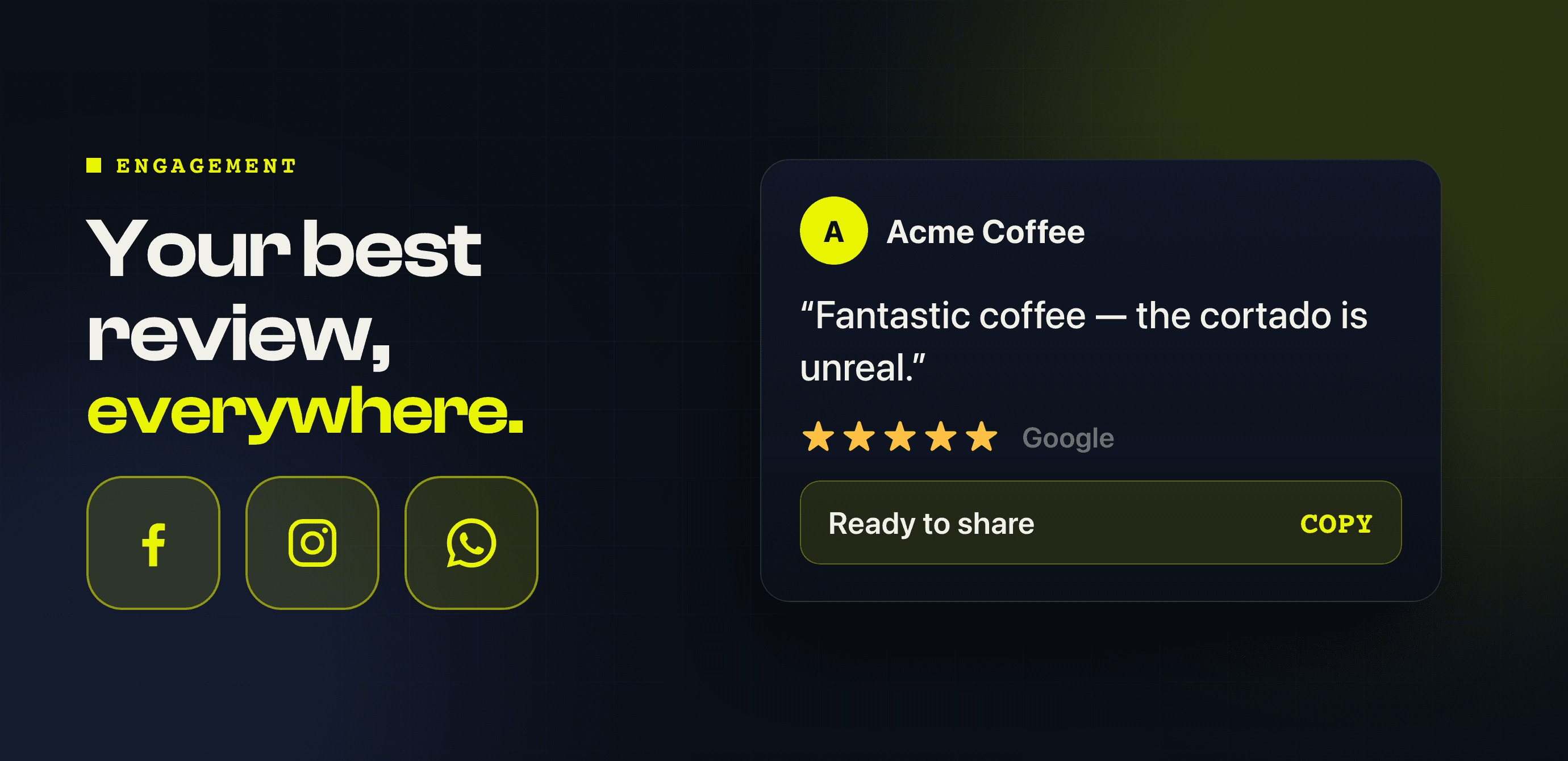
Jul 28, 2026
A five-star review is the best advert you will ever get, and it should not sit buried on a review site.
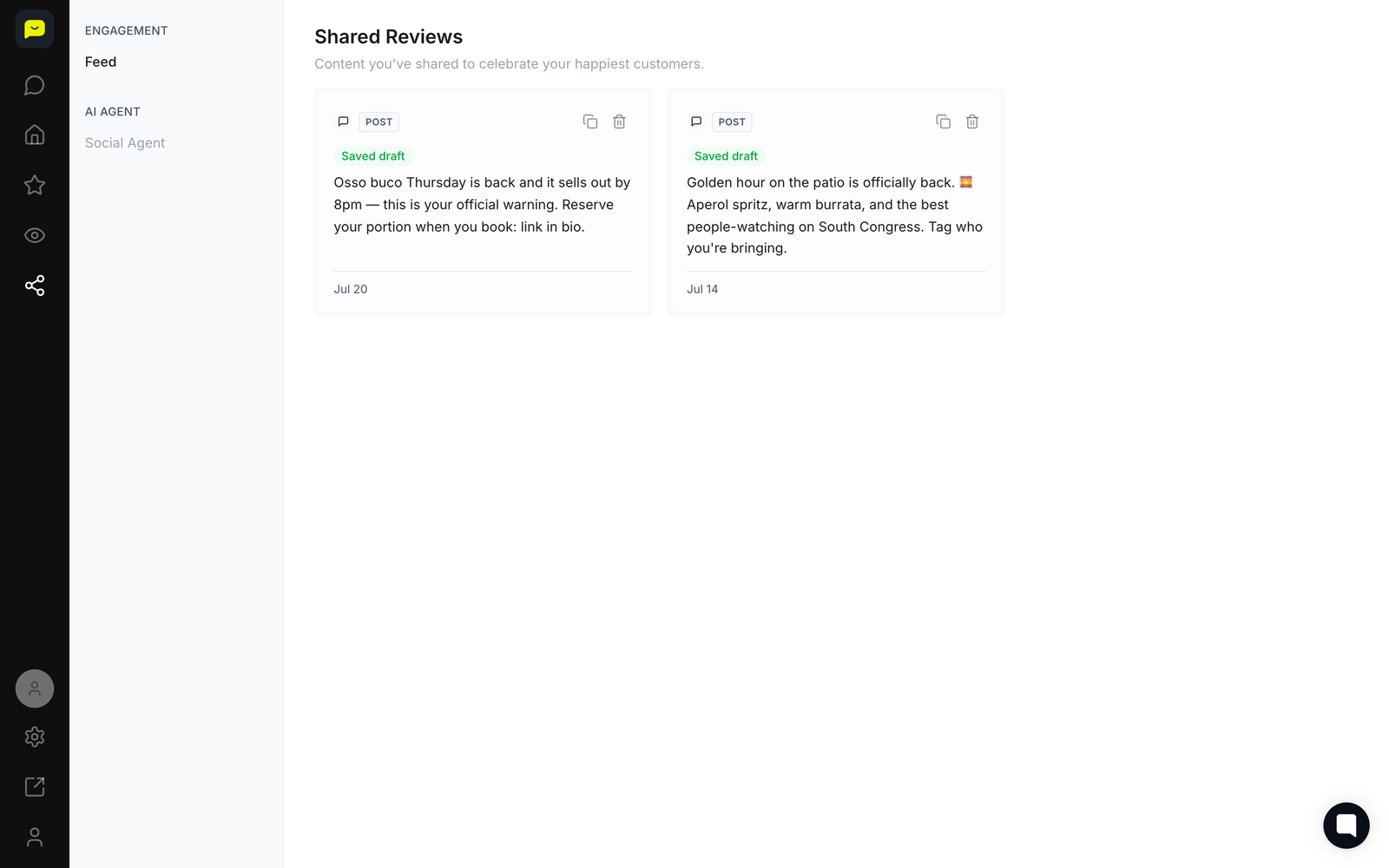
In the Social Agent, leave the topic blank and it drafts posts from your best reviews, in the tone you pick. Copy one and post it on Facebook, Instagram or WhatsApp yourself; the posts you save wait in the Engagement feed. The Social Agent is included on paid plans.
New to Praising? Start free — no card needed →
Open the Engagement feed
Jul 27, 2026
Signing up got shorter. You can now start with your Google account, so there is no password to invent and nothing to verify before you get in.
Signing up asks for no credit card: you start on the Forever Free plan. Paid plans come with a 14-day free trial, which starts with a card.
New to Praising? Start free — no card needed →
Create your free account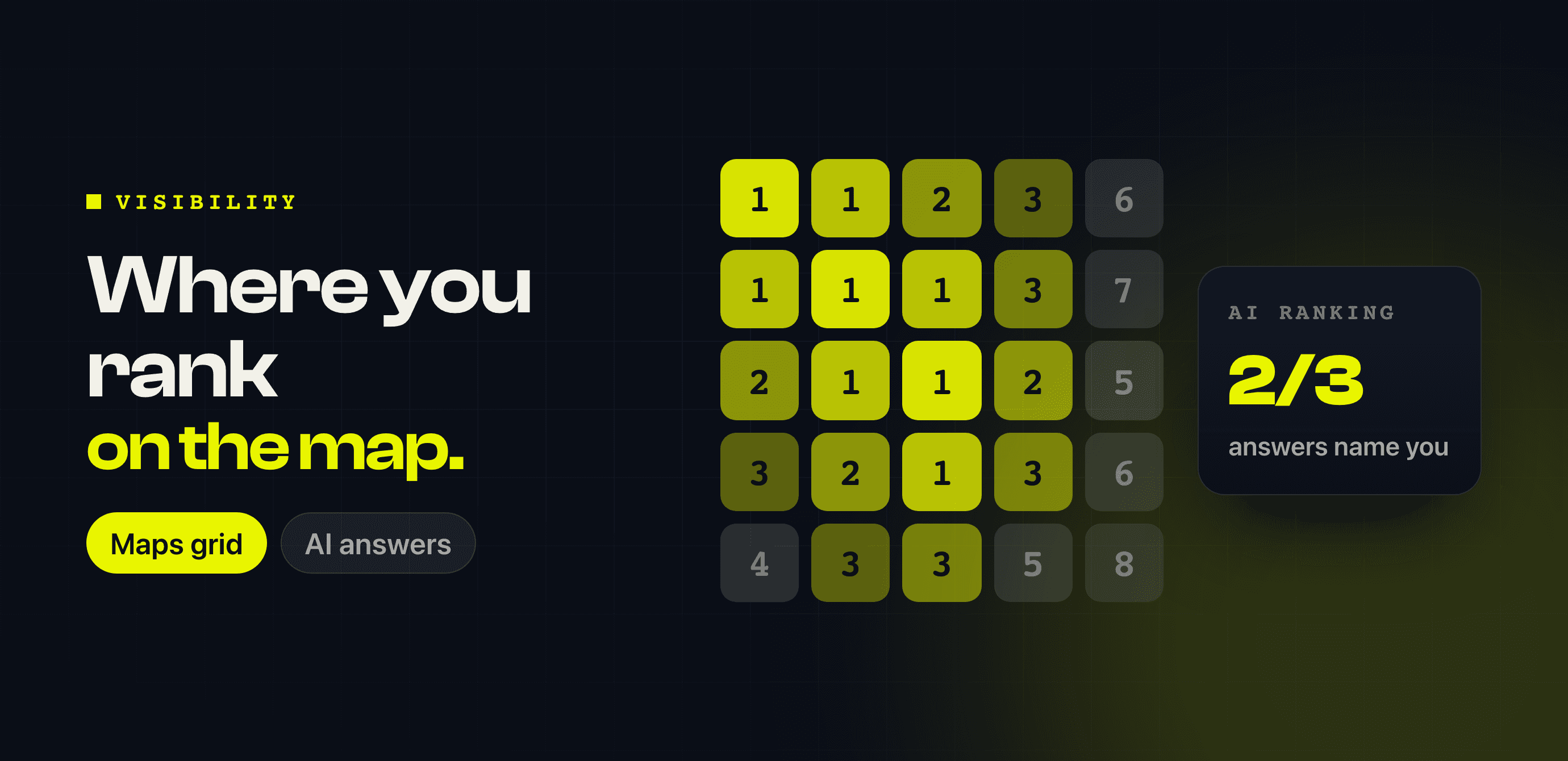
Jul 20, 2026
Being on Google Maps is not the same as being FOUND on Google Maps. The new Visibility section answers both questions honestly.
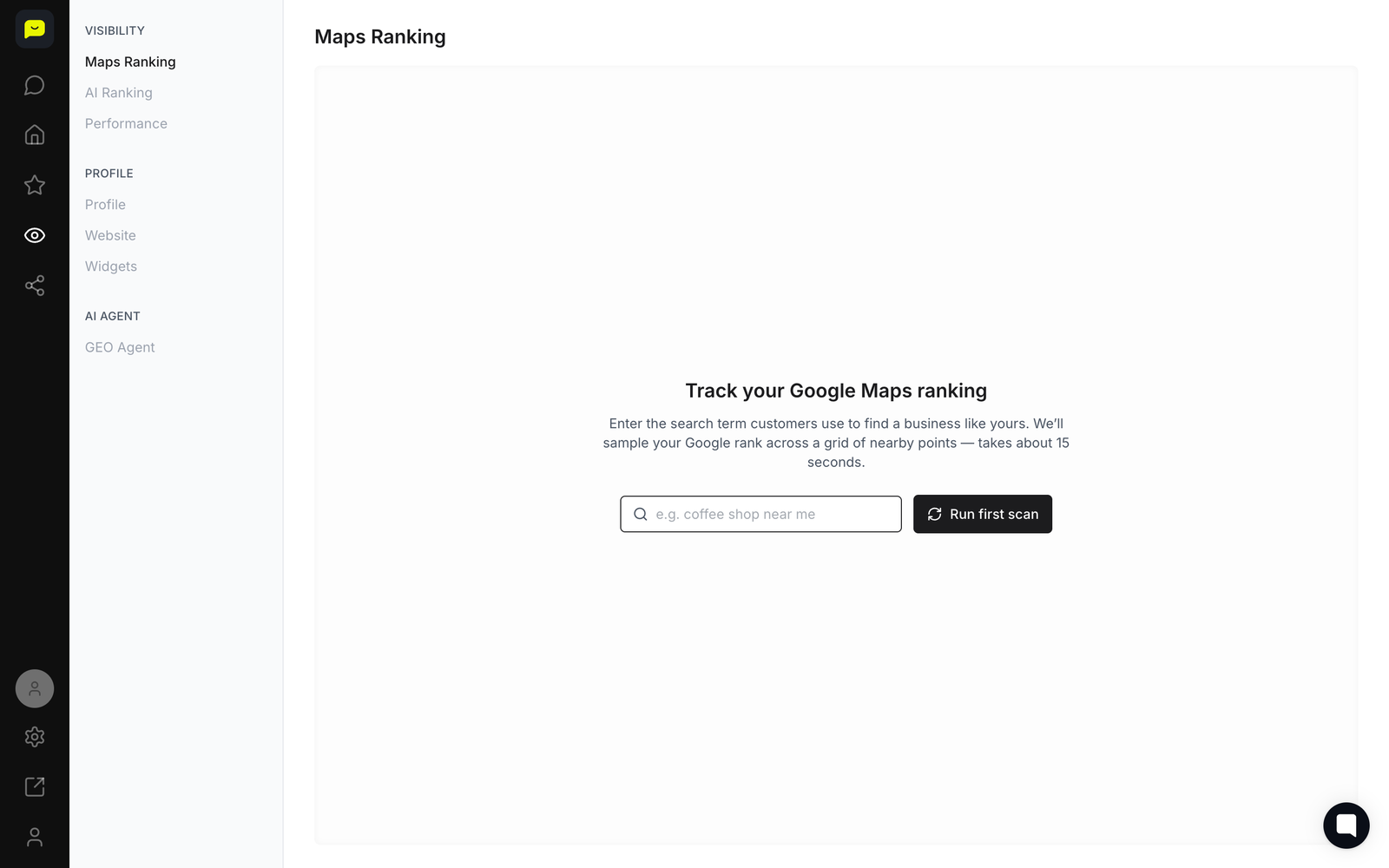
Maps Ranking — your position across a grid of points around your business, so you can see the streets where you are invisible
AI Ranking — we ask an AI assistant three questions a customer might ask about businesses like yours, and show how many of its answers name you
Both live under Visibility in the sidebar.
New to Praising? Start free — no card needed →
Check your Maps ranking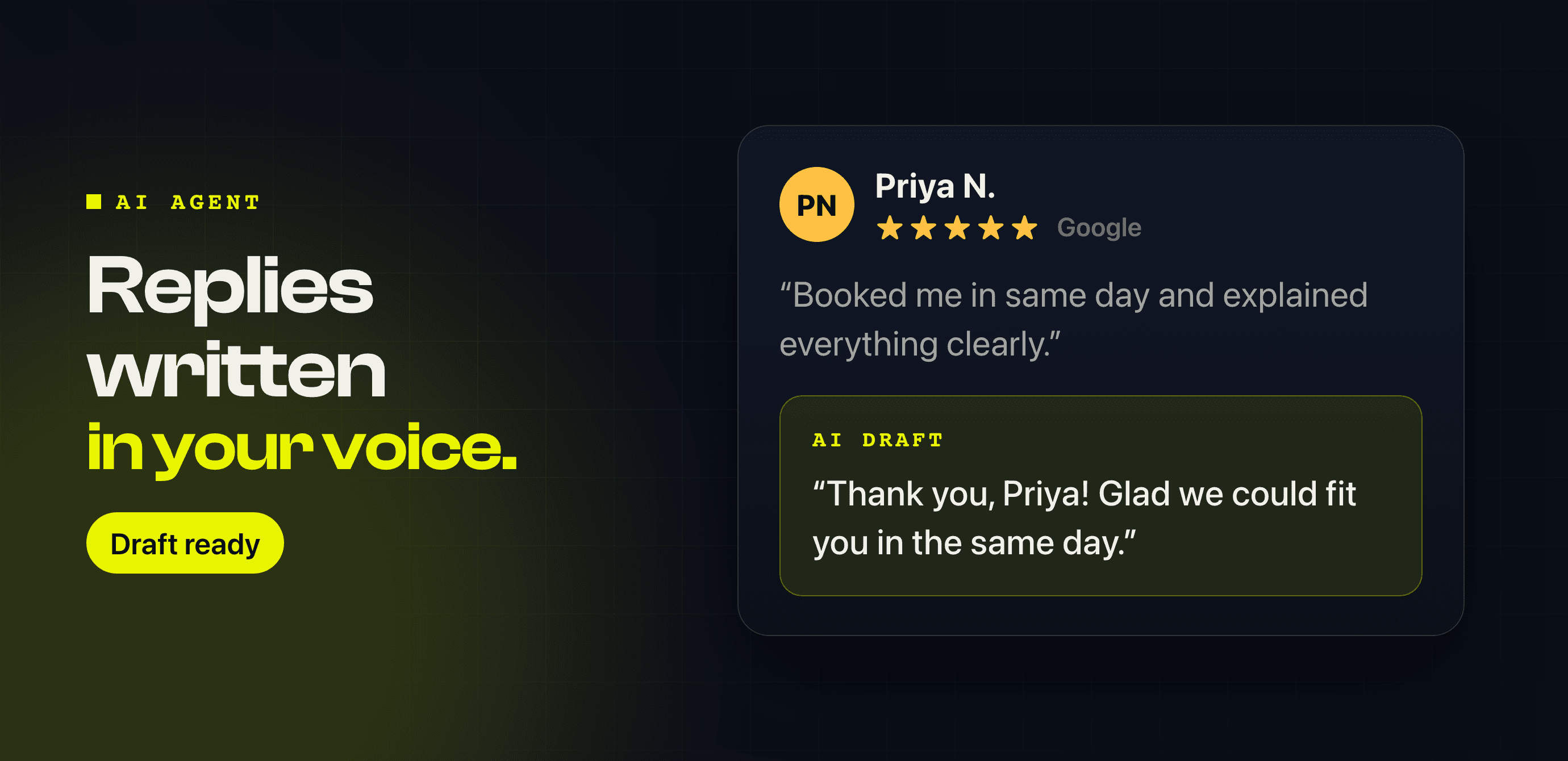
Jul 17, 2026
Replying to reviews is the part everyone puts off, so Praising now does the first draft. Click Draft with AI on a review and it writes a reply that sounds like your business — not like a robot.
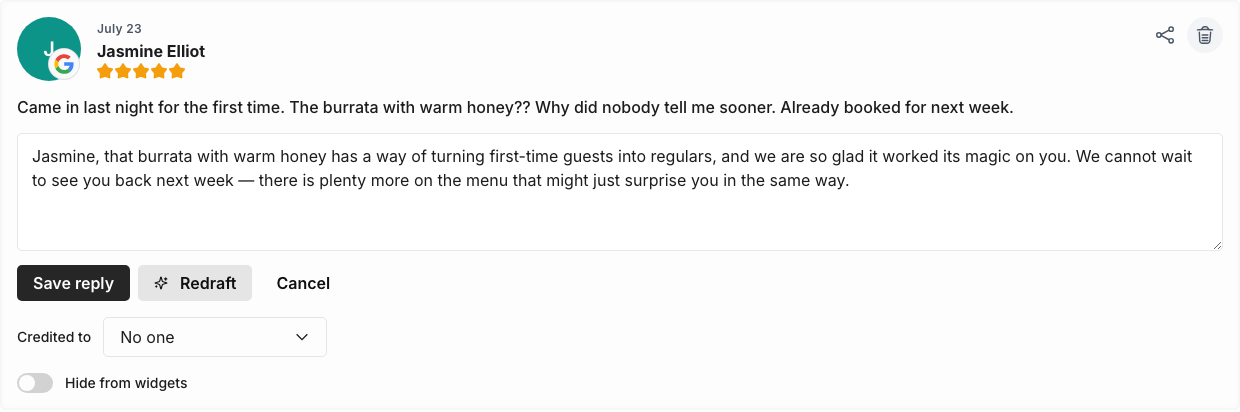
You stay in charge: read it, change anything you want, then send. Nothing goes out that you have not seen.
You will find it on the Reviews page. Switch on the SEO Agent and new reviews arrive with a draft already waiting for your OK. Both are included on paid plans.
New to Praising? Start free — no card needed →
See your drafted replies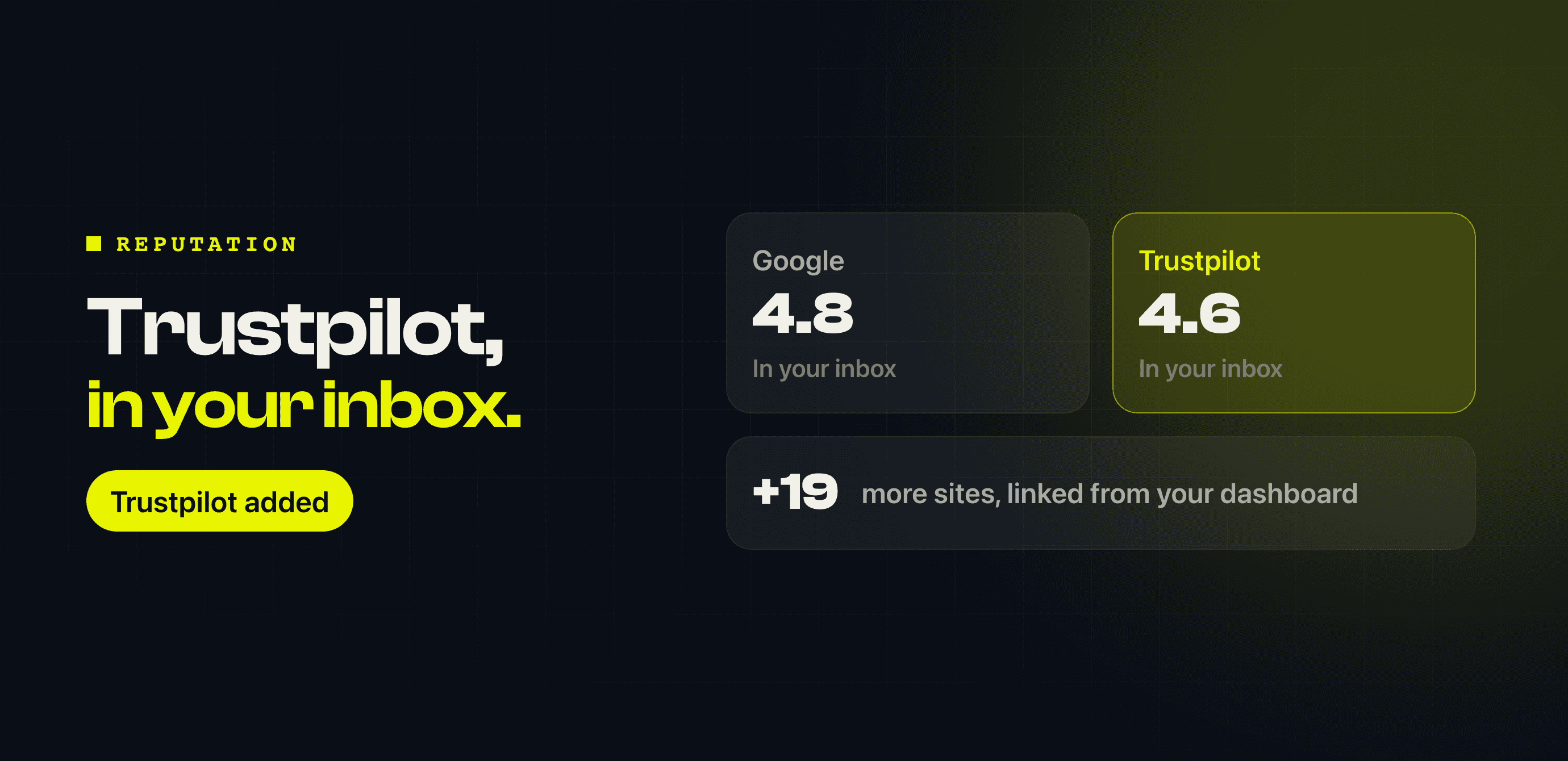
Jul 3, 2026
Trustpilot has joined the list of places Praising watches for you, alongside Google. New reviews are collected automatically and land in the same inbox as everything else.
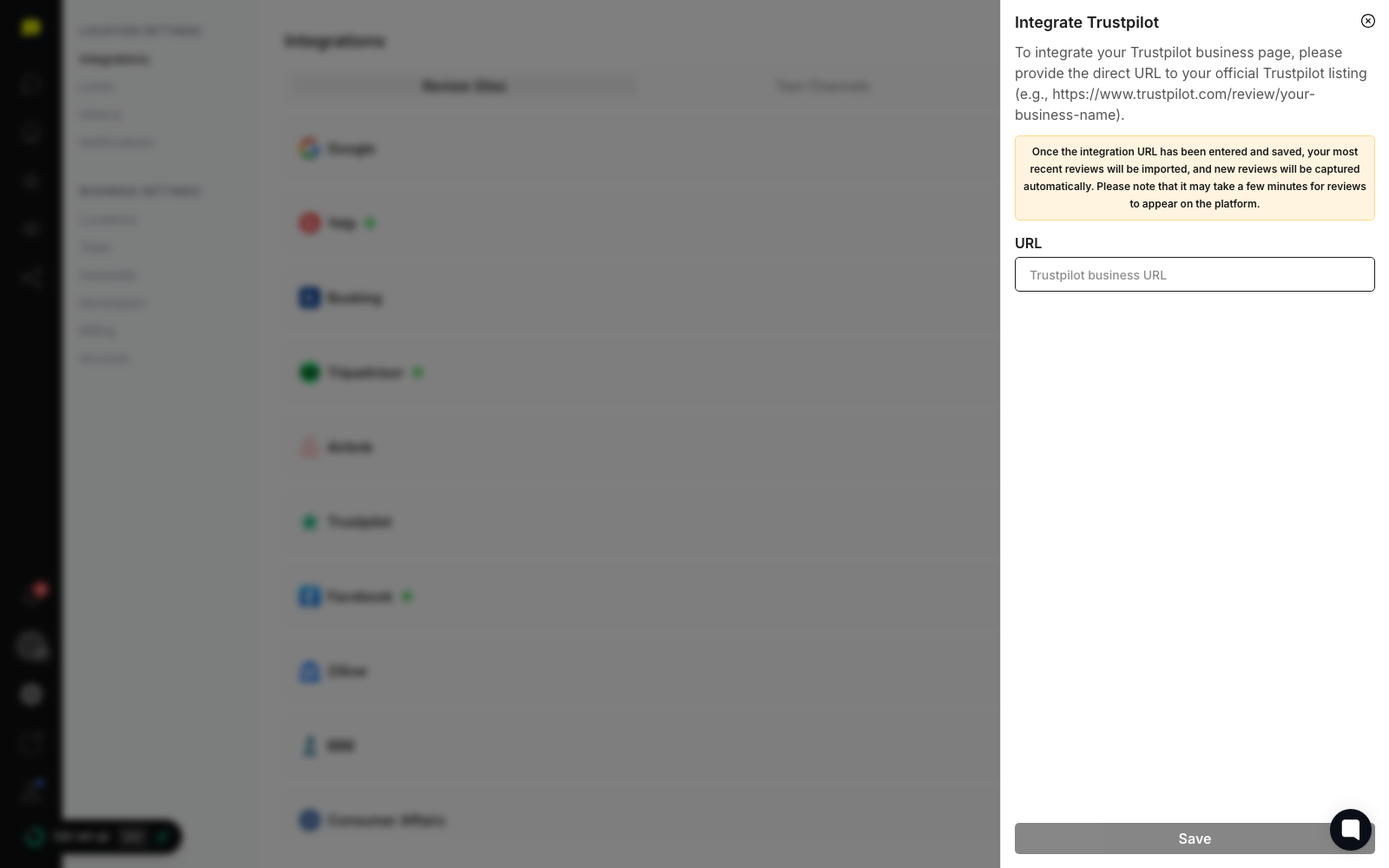
Nothing to install — connect the profile once under Settings → Integrations and it keeps itself up to date.
New to Praising? Start free — no card needed →
Open your review inbox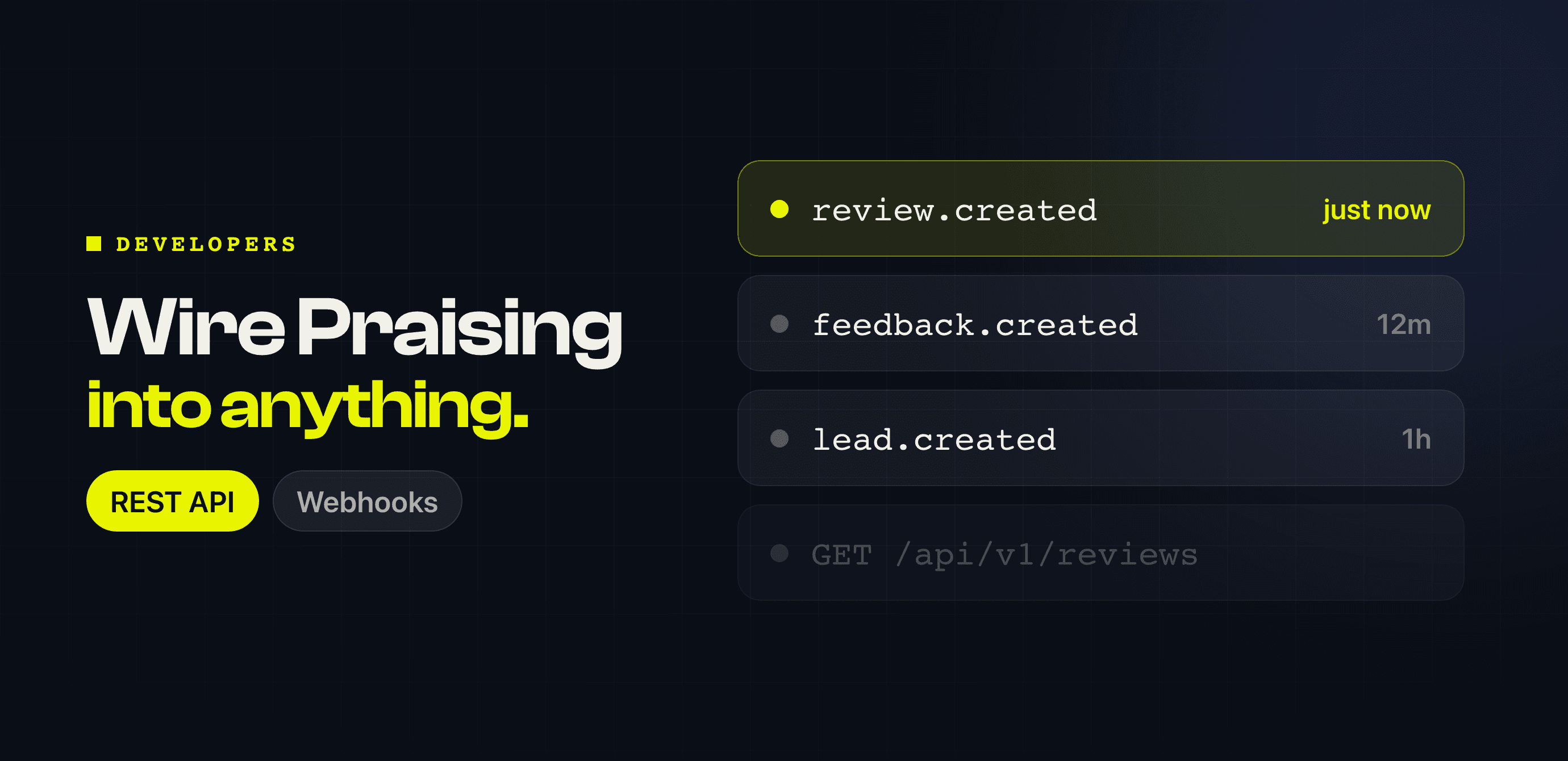
Jul 1, 2026
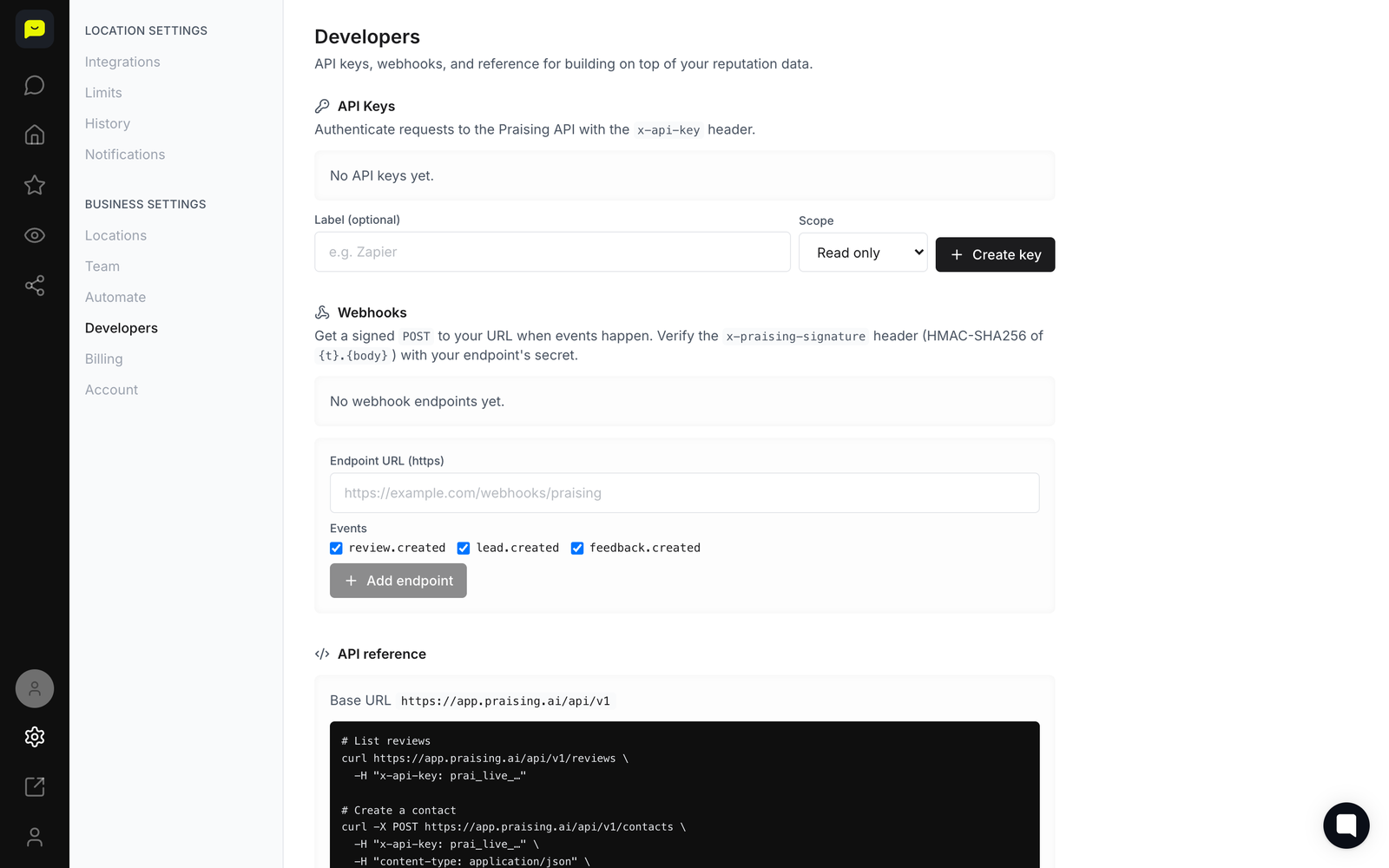
If you keep customer records somewhere else, Praising no longer has to be an island. There is now a proper API you can call, and webhooks that tell your systems when something happens.
What you can reach today:
Reviews — read the reviews Praising has collected
Contacts — add and read the people you ask for reviews
Review requests — send a request from your own software
And three webhooks: review.created when a new review comes in, feedback.created when a customer leaves private feedback, and lead.created when someone joins through your opt-in page or the API.
Your API key lives in Settings → Developers, on paid plans.
New to Praising? Start free — no card needed →
Get your API key